Hosted verifier: check an audit bundle
The hosted verifier at sill.so/verify confirms that an exported audit bundle was signed by Sill and has not been changed since. It runs entirely in your browser: the file is never uploaded, and the only request it makes to check a bundle is a GET for Sill’s public audit key. You do not need a Sill account to use it, so you can send a bundle to an auditor, counsel or counterparty and let them check it themselves.
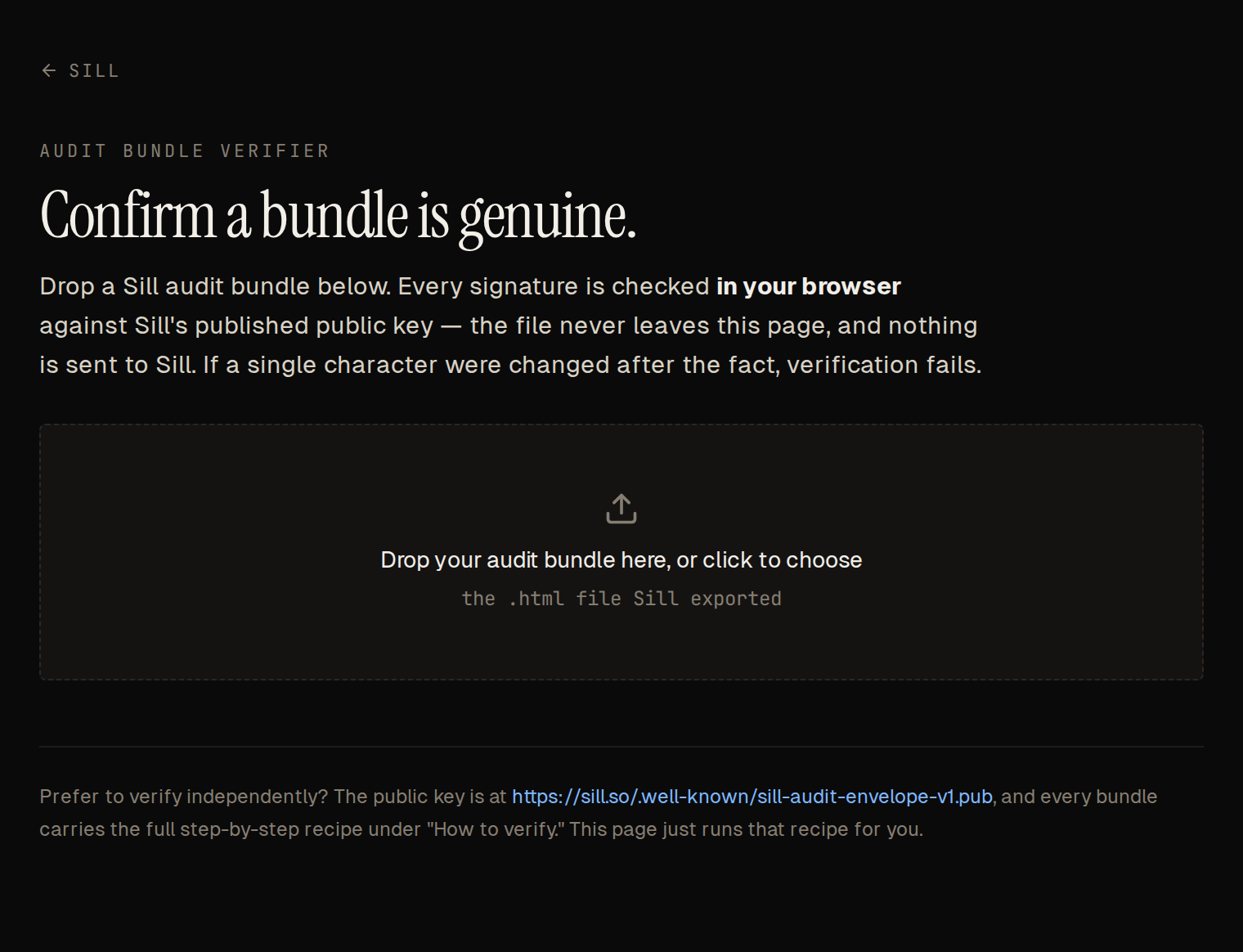 Drop the bundle on the page. Nothing is uploaded.
Check a bundle
Section titled “Check a bundle”- Export the bundle: in the dashboard, open a record in Activity, choose the RAW DATA tab and click Audit bundle. This downloads an
.htmlfile namedsill-audit-{domain}-{YYYY-MM-DD}-{discovery|transactional}-{id}.html. See Audit log and export. - Open sill.so/verify and drop the file on the page, or click the drop zone to choose it.
- Read the result. A genuine bundle shows Verified — this bundle is genuine and unaltered. A genuine part of a large day shows, for example, Part 2 of 3 verified — genuine and unaltered.
The verifier accepts the .html bundle only. To check a JSON export, use the script in Verify a signature.
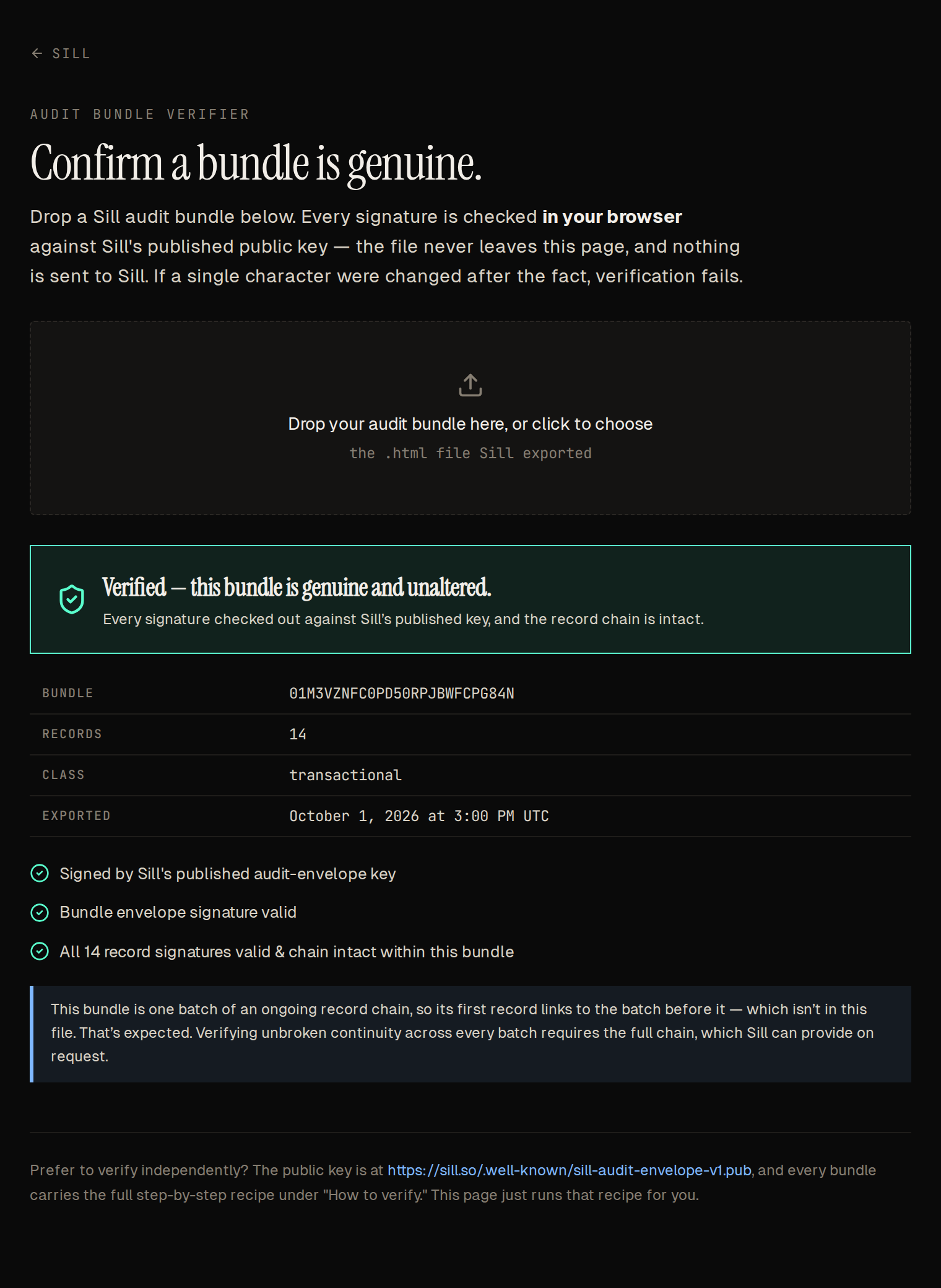 A verified bundle. The blue note about the batch before it is expected; see below.
What it checks
Section titled “What it checks”- Signed by Sill’s published audit key. The bundle’s
signing_key_idmatches the current key, or an earlier key listed in the published key document athttps://sill.so/.well-known/sill-audit-envelope-v1.pub. - Bundle envelope signature valid. The signature over the whole bundle verifies, so no record was added, removed or reordered and no bundle field was changed.
- All record signatures valid and chain intact within this bundle. Each record’s own signature verifies, and each record’s
prev_record_hashmatches the record before it. - For a part of a large day: the records belong to the day. The part’s records, with the proof it carries, rebuild the day’s Merkle root, so none was moved, removed or changed, without needing the other parts. If no day root covered the part’s records when it was exported, there is no root to check against: the page shows Signatures verified — membership pending, and the other checks still apply. Export the part again later to include the proof. Records that reached Sill after their day was sealed are not covered by that day’s root, so their membership stays pending.
For a whole-day bundle, the verifier does not recompute the day’s Merkle root. To check it too, use the script. The exact signing inputs are described in Audit envelope.
When verification fails
Section titled “When verification fails”If any check fails, the page shows Verification failed — do not rely on this bundle. and lists each record that failed with a reason:
| Reason | What it means |
|---|---|
signature_invalid | The record was changed after it was signed. |
chain_link_invalid | The record before it was changed, removed or reordered. |
decision_class_mismatch | A record from a different site or chain was inserted. |
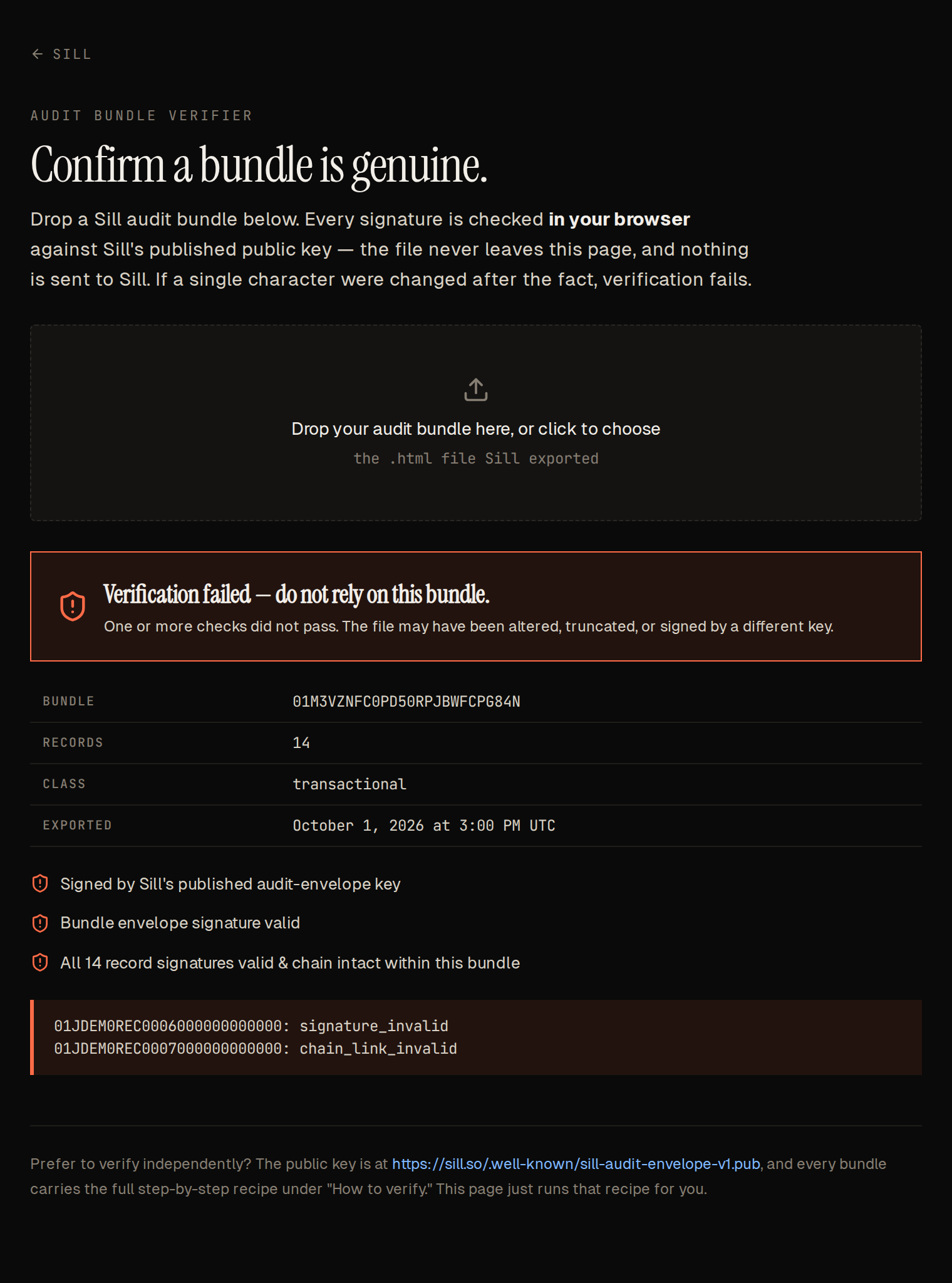 One amount was edited in record 6. Its signature, the next record’s chain link and the bundle signature all fail.
For a part, a failed membership check (4) means the file’s records do not match the day they claim to belong to.
If the page says the file has no signed evidence block, the file is not a Sill .html bundle or the embedded data was removed. Export it again from the dashboard.
The first record links to the previous day
Section titled “The first record links to the previous day”A bundle covers one UTC day of a chain that continues before and after it. Its first record therefore links to the last record of the previous day, which is not in the file. In a part of a large day, the first record links to the last record of the part before it. The verifier reports this as a note, not a failure: the first record’s own signature still verifies. Only a chain’s very first day links to the genesis value inside the file.
To confirm continuity across days, check consecutive bundles together: the first record of each day must link to the last record of the day before. Sill can provide the adjacent bundles on request.
When to check bundles yourself instead
Section titled “When to check bundles yourself instead”Use the manual recipe when you want to:
- check bundles automatically, for example on a schedule against an archive;
- check the Merkle root or continuity across several days;
- use a pinned copy of the public key, with no dependency on
sill.so; - use your own language and libraries. Any ed25519 library and RFC 8785 (JCS) canonicalizer will do.
See also
Section titled “See also”- Verify a signature — the scripts behind each check.
- Audit envelope — record format, chain and Merkle roots.
- Audit log and export — exporting a bundle.